K3D - The Open Source 3D Object Viewer - Version 2.1.1

2.1.1 Released! (2nd March 2005)

Available to download free today! Check out the features list below.

NEW: The K3D Lightwave object viewer is now released as an open source project under the LGPL license. This means the full product source code and .Net project files are available for download here. Why have I done this? Basically because I do not have the time to support the few paying customers or to implement any significant new features myself. Therefore I have released the code so others may add features themselves or use it in their own projects. I hope this is useful to people.

The K3D Development Forum is now online. This is where developers can discuss the K3D code, adding features, bugs and support for it. There's also a generic C#/.Net programming forum and Lightwave 3D forum which may be useful.

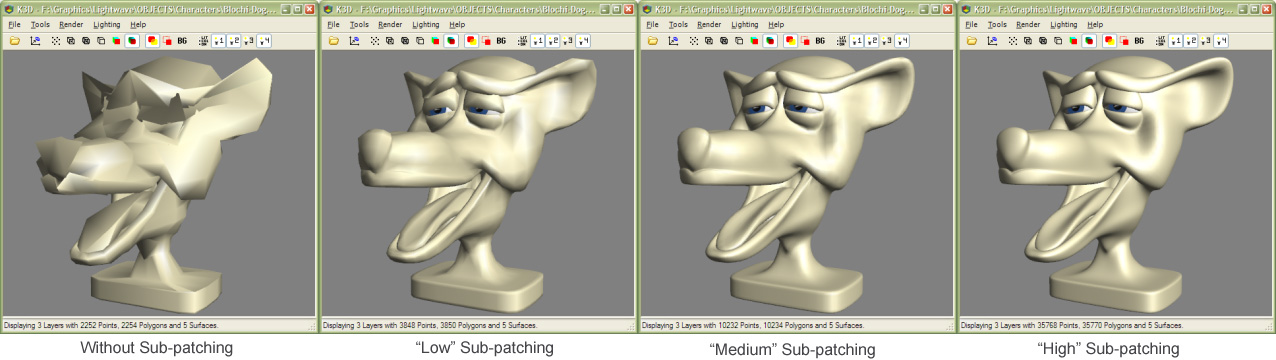
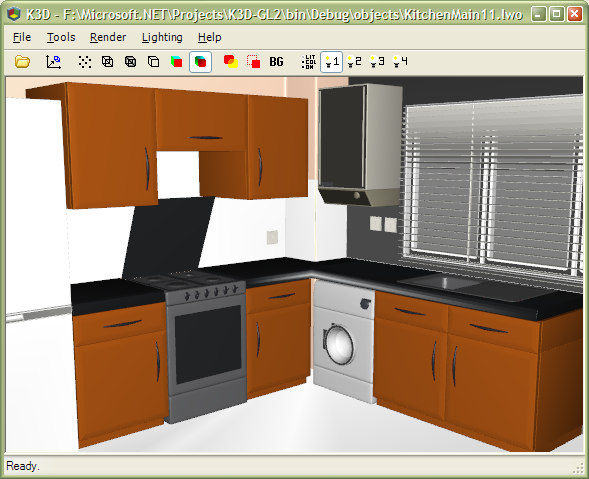
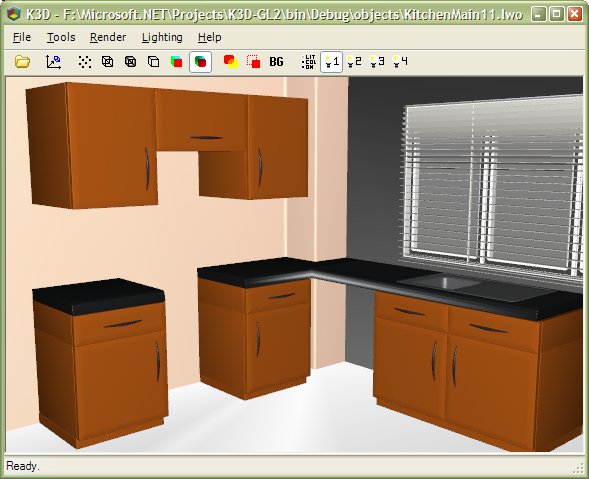
This version supports significant performance improvements when loading objects with Lightwave sub-patches! See the screen grabs for examples of this unique feature in action.

Features

  • All versions of Lightwave object format supported including LW6/7/8 multi-layer files.
  • High quality, fast OpenGL rendering (supports all hardware accelerated OpenGL cards).
  • Excellent support for lightwave surface characteristics including colour, diffusion, specular, gloss, transparency, smoothing, double sided polys etc.
  • Support for single points, lines and polygon objects.
  • Sub-patch support (NEW: faster with version 2.1.1) - with varying levels of detail.
  • Save current object render in multiple images formats (JPG, BMP, TIF, PNG)
  • Intuitive keyboard and mouse control.
  • Drag and drop file support (including entire folders!)
  • Double click any .LWO object to load it quickly into K3D.
  • Use the Page Up/Down keys to quickly browse other objects in the same directory.
  • Multiple configurable display modes including points, wireframe, anti-aliased wireframe and smooth shaded polygons.
  • Multiple configurable lights.
  • Full scene hardware anti-aliasing supported.
  • Ability to instantly toggle LW layers on/off in the display window.
K3D is an excellent tool for modellers and animators who deal with many Lightwave objects. It's much faster than loading each object into Lightwave to quickly and intuitively examine it. For example, in Lightwave Layout select File->Load->Load Object and in the list of files right click on any object and select "Open with K3D..." from the menu to instantly view the object before loading it into your scene!

This is the new and improved version of K3D-GL, the old version that only supports Lightwave 4/5 objects is still available for download here.

Requirements

The Microsoft .Net 1.1 Runtime. This package is available direct from the Microsoft download page here or is available via Windows Update. This is quite a large download (20MB) but it is needed to run the application - so it's worth doing! :) If you already have this, you will not need to download it again.

A Windows PC (Windows 2000 or XP recommended) with an 3D accelerated graphics card (ATI Radeon or NVidia FX recommended).

Donations

This product is released free of charge. But if you found the product useful and it helps you in your day-to-day job then you may believe that dontations towards supporting the product and the associated web-site are fair. Any donations gratefully received. To donate via PayPal click here or click the Donate link in the About dialog in K3D.

Display Modes

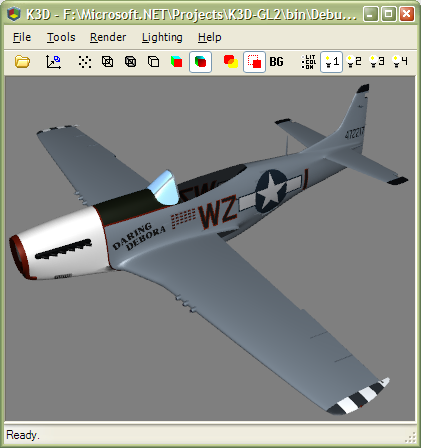
Smooth Shaded View

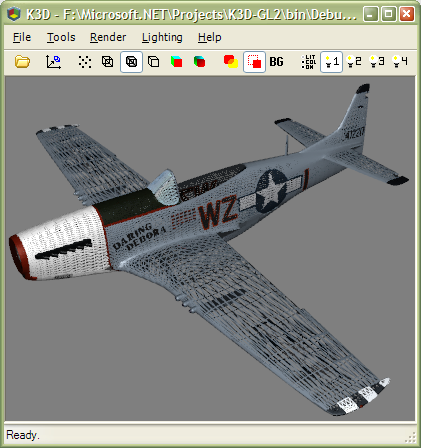
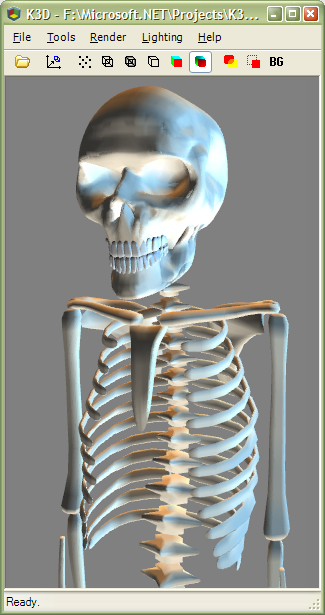
Smooth OpenGL shading supporting Lightwave surface characteristics including specular, gloss, max-smoothing angle and transparency. Also supports single and double-sided polygons correctly with the option to show all polygons as double-sided. Single point polygons, lines and all other types of polygons are shown in this view.

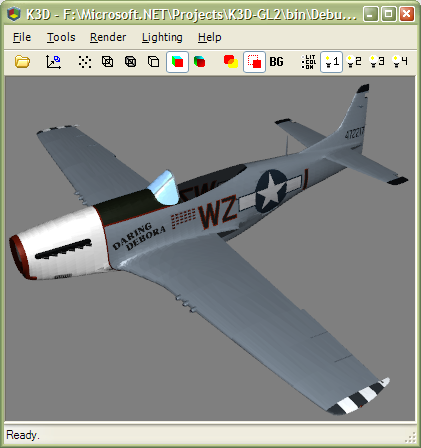
Flat Shading View

All polygon types with full surface characteristics are shown in this mode but without smoothed surfaces.

Hidden-line Wireframe View

The object is displayed as wireframe but with rear facing polygons removed.

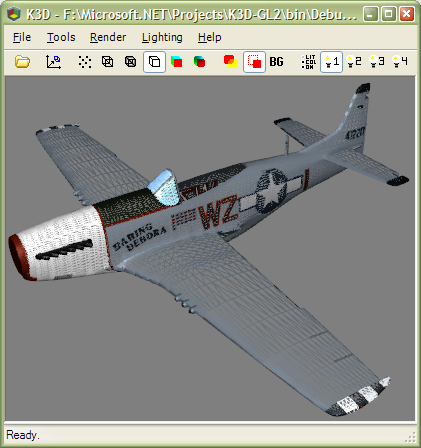
Wireframe and Anti-aliased Wireframe View

The object is displayed as full wireframe or anti-aliased wireframe.

Points View

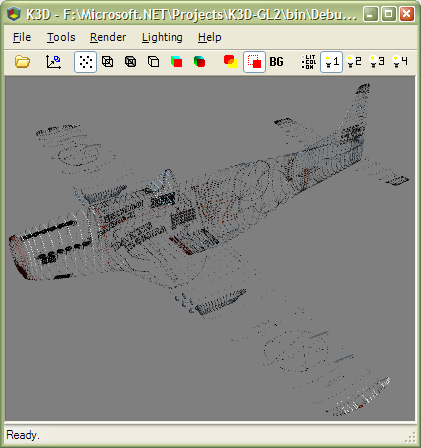
The object is displayed as points only.

Sub-Patch Support

Lightwave sub-patch support!

An awsome feature that enables Lightwave sub-patch objects to be viewed with varying levels of detail.

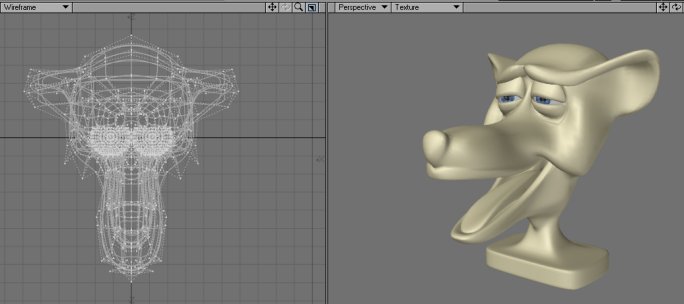
The same object shown in the Lightwave modeller.

Lighting

Configurable Lights

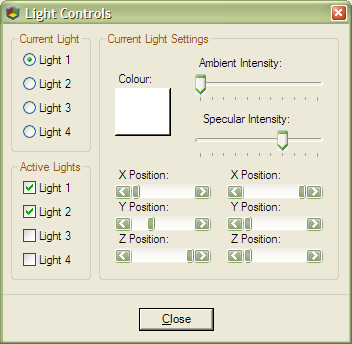
Up to 4 lights can be configured with colour, intensity, specular etc.

Cool Lighting Effects

Cool effects can be achieved using the light controls!

Multiple Layers

Multiple Layers

A complex Lightwave 7.5 object with multiple layers.

Toggle Layers

Layers can be made instantly visible or invisible using the keyboard.

Surface Effects

Transparency

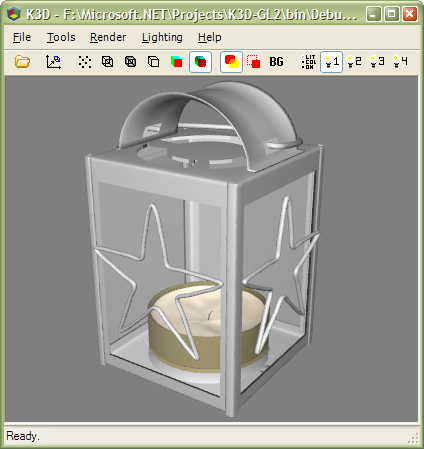
Cool transparency effects like the semi-transparent sides of this lamp object.
<< Back  K3D Site Index

K3D Object Viewer is Powered by Tao